





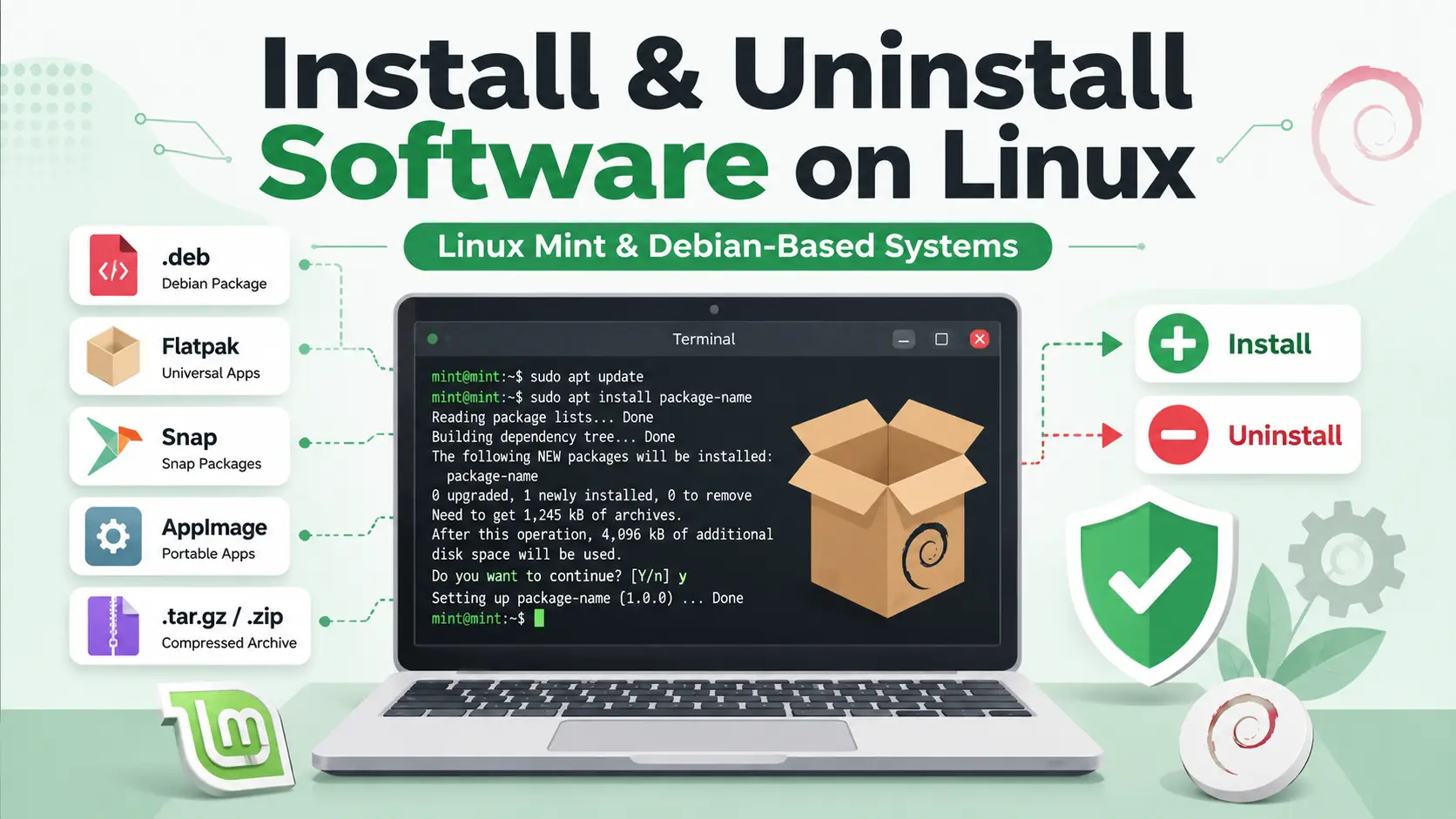
Installing software on Linux Mint, Ubuntu, Debian, and other Debian-based Linux distributions is usually simple. However, Linux applications are distributed in several formats, including APT packages, .deb files, Flatpaks, Snaps, AppImages, compressed archives, and source code.
Each format uses a different installation and removal method. For example, an AppImage is normally removed by deleting its file, while an application installed through APT should be removed with an APT command.
This guide explains how to safely install, update, identify, troubleshoot, and uninstall software on Linux Mint and other Debian-based operating systems. It is written for beginners but also includes useful commands for experienced Linux users.
Important Corrections to Common Linux Commands
Before starting, it is important to correct a few common misunderstandings about Linux software installation.
- A
.tar.gzfile is a compressed archive. It is not a Snap package. - An AppImage is normally a portable executable file. It is not managed by
aptordpkg. - To remove an AppImage, you normally delete the AppImage file and any optional shortcuts or settings it created.
- For a local
.debpackage,sudo apt install ./package.debis usually better thansudo dpkg -i package.debbecause APT can resolve dependencies. - You normally do not need
sudoto make an AppImage executable. apt purgeremoves package-managed configuration files, but it does not normally remove all personal settings from your home directory.