




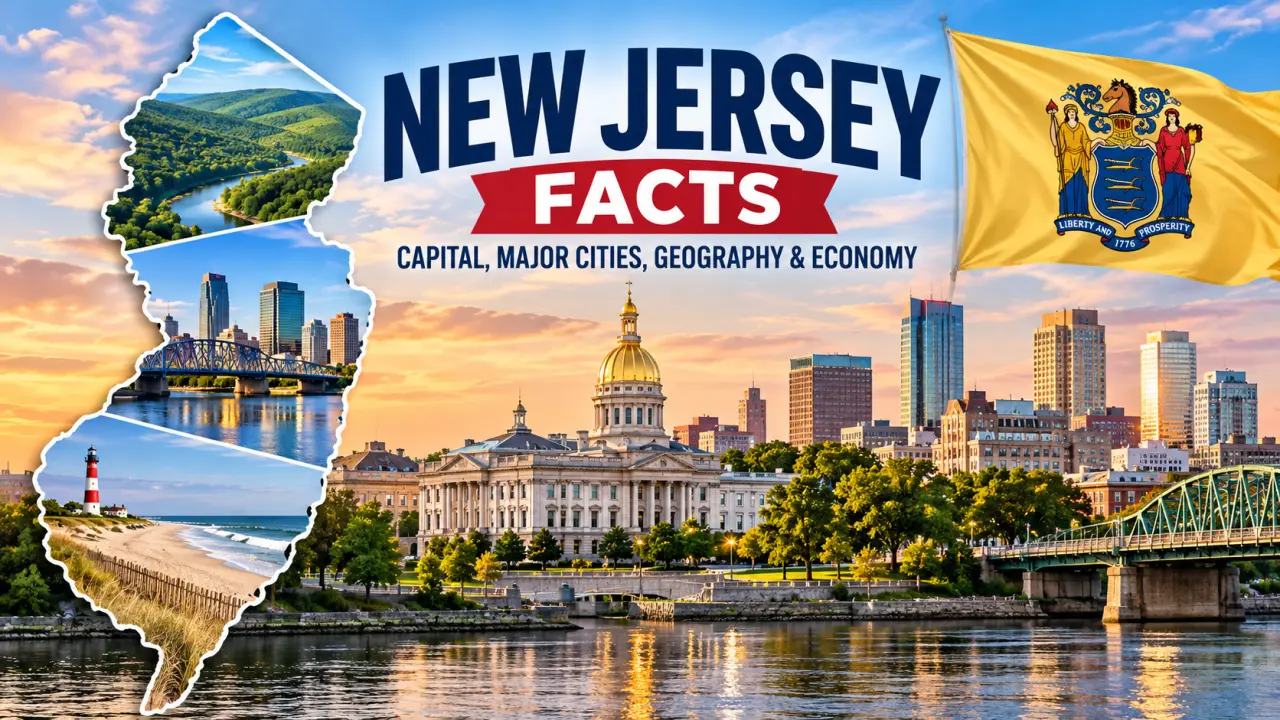
New Jersey Facts: Capital, Major Cities, Geography & Economy
New Jersey is a northeastern U.S. state where crowded metropolitan corridors sit surprisingly close to mountain forests, farmland, wetlands, and Atlantic beaches. Trenton is its capital, Newark is its largest city, and the Garden State was the third state to ratify the U.S. Constitution on December 18, 1787. Its location between New York City and Philadelphia has shaped its history, population, transportation networks, and economy.
The U.S. Census Bureau estimated 9,548,215 residents on July 1, 2025. New Jersey also generated approximately $887.8 billion in current-dollar gross domestic product (GDP) in calendar year 2025, according to revised federal economic data released in September 2026. These figures describe different measurements and should always be read with their reference periods. This guide explains the facts, the reasons behind them, and the ideas students can use in geography, history, economics, and general-knowledge quizzes.
New Jersey Quick Facts
| Fact | New Jersey information |
|---|---|
| Official name | State of New Jersey |
| Postal abbreviation | NJ |
| Nickname | The Garden State |
| Capital | Trenton |
| Largest incorporated city | Newark |
| U.S. Census region | Northeast; Middle Atlantic division |
| Constitutional ratification / customary statehood date | December 18, 1787 (3rd state) |
| Total area | About 8,723 square miles (state government geographic summary) |
| Land area | 7,354.76 square miles (2020 Census) |
| Population | 9,548,215 (July 1, 2025 Census estimate) |
| Population density | 1,263.0 people per square mile (2020 Census) |
| Counties | 21 |
| Municipalities | 564 |
| Highest point | High Point, 1,803 feet |
| Major rivers | Delaware, Hudson, Passaic, Raritan |
| Atlantic shore | About 126 miles of oceanfront, Sandy Hook to Cape May |
| Time zone | Eastern Time |
| Traditional motto | Liberty and Prosperity (not separately officially adopted) |
| State bird | Eastern goldfinch |
| State flower | Violet |
| State tree | Red oak |
| State animal | Horse |
| State fruit | Blueberry |
Data note: The state estimates and 2020 Census measurements above are intentionally labeled by year. Area summaries from the state government are rounded. Sources include the Census Bureau, NJ.gov Fast Facts, and NJ.gov facts FAQ.
Continue reading “New Jersey Facts: Capital, Major Cities, Geography & Economy”