





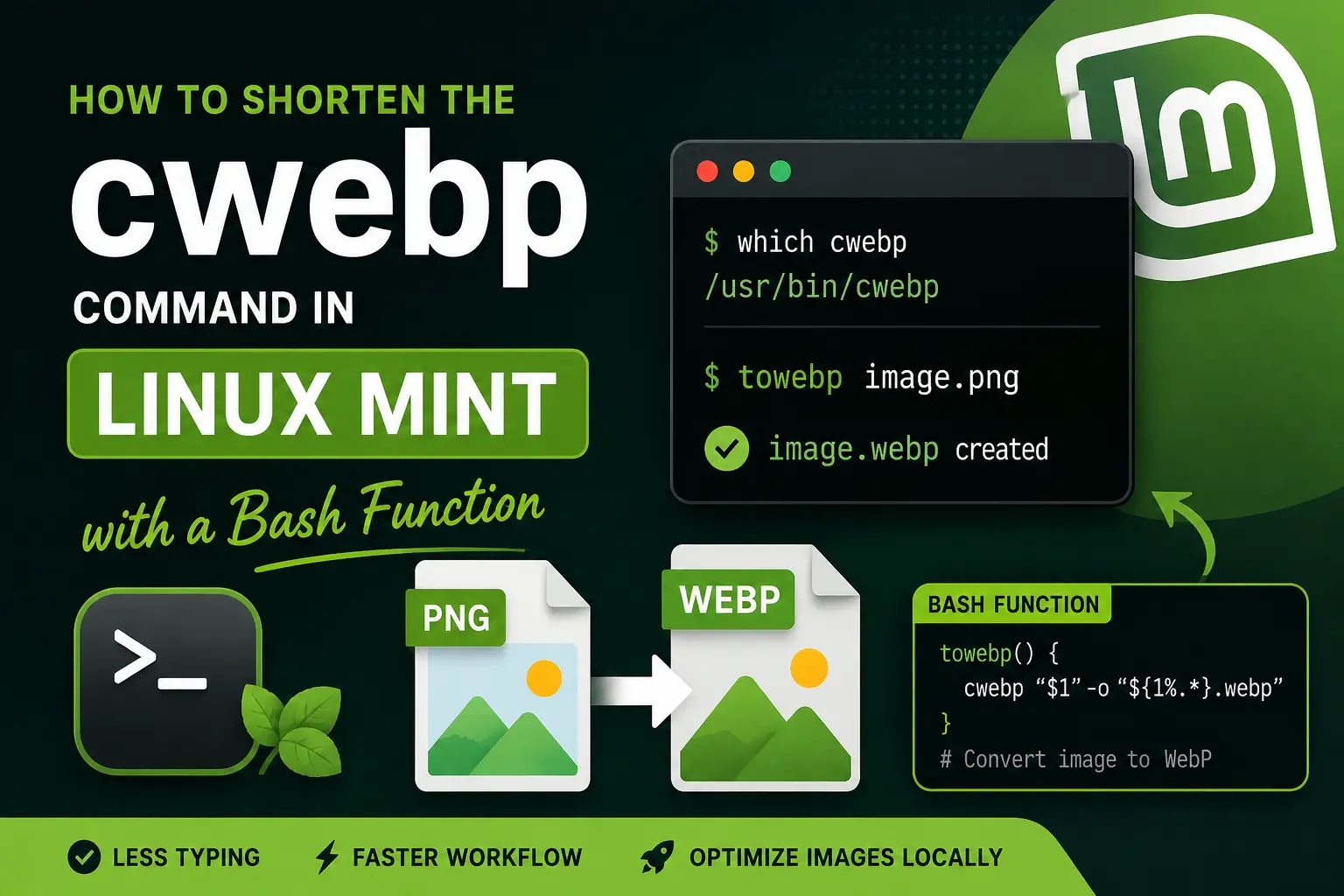
I usually optimize images locally before uploading them to the live servers for my websites. Since I use Linux Mint, one of my regular tools for this job is cwebp, which I run directly from the command line to convert PNG and JPG images to WebP.
My most-used command is simple:
cwebp image-name.png -o image-name.webpIt works well, but after using it again and again, I started looking for a way to avoid typing the same filename twice every time I converted an image. When filenames are long, that small repetition becomes even more annoying.
Because I already use the Linux terminal for this task, I wanted a solution that would stay simple and keep using cwebp rather than adding another application. I solved it by creating a small Bash function called towebp.